Yesterday I received an e-mail from a beta tester, Jeff Duarte, who was having trouble with one of my calculators. He said that he didn’t really understand how to use a particular calculator. My response was:
The problem is not you, its me. :) If I designed my calculator better you wouldn’t have any questions.
Seriously – sorry Jeff, its my bad. My goal is to make these calculators so easy and intuitive to use that no workers’ compensation professional would have any trouble figuring out how to use them. If you don’t figure out how to use it just by looking at it, I designed it wrong. 1 Getting feedback is a very important and instructive process for me. It lets me figure out what works for people and what doesn’t.
The good news is that Jeff”s suggestions have given me an idea on how to make two calculators easier to use and for two entirely new features!
I’ve been working to develop calculators and search engines that are easier to use, easier to understand, and make them available to everyone for less than my competitors. One benefit to doing it all myself is that I can innovate faster than anyone else. For instance, my wildly popular Ogilvie calculator was available to beta testers just days after the Ogilvie case came out.
But, this new calculator is something entirely new. Tantalized? Titilated? Tremulous?
To this day, most of the e-mails I receive are from people asking me some variation of “No, really, how much does it cost to use these calculators? When am I going to be charged? What’s the catch?”
I intend to keep all the calculators free for anyone who cares to use them. I have built this website because I really do enjoy the hell out of blogging about tech stuff and workers’ comp law, dissecting complex workers’ compensation math formulas, and building something useful to myself and other professionals. This is quite literally how I spend my free time. I’m just that nerdy.
Late last week a user asked for a new feature.1 He wanted to be able to perform the Ogilvie DFEC rebuttal calculation and have the results e-mailed to him.2 Well, I built it!3
To e-mail yourself a calculation, perform the calculation as normal. When the website returns your calculation, it will say “E-mail Me!” Just click that button and it will send an e-mail to the address you used to register for this website.
However, here’s the cool part: I’ve installed this new e-mail system into every calculator! 4 No more having to copy and paste! Just click one button and your calculation will show up in your inbox!5
Although I intend this to be a paid-subscription-only feature, I am going to leave it open for all users while I get some feedback. So, what do you think? Please leave a comment or shoot me an e-mail!
Why, what did you do with your Saturday morning? [↩]
I haven’t installed it in some of the EAMS lookup functions [↩]
If you filled in the boxes for Applicant, WCAB #, and File #, it will include this information in your e-mail as well. This is only for your convenience and not a requirement. [↩]
Calculator Performance Issue: It has come to my attention that some users are having problems with the “Body Part” code finder. This problem apparently occurs when you click on the “Body Part” button and just see a spinning blue “waiting” disc instead of a list of body parts.
Temporary Fix: Even though the Body Part code search function does not work for some users, the rating functions still appears to work just fine. If you know the Body Part code, you should be able to enter it manually in the box provided. If you are performing a 2005 schedule rating, please use the full 8 digit body part code.
Permanent Solution: I am working on a fix for this problem and will update this website as soon as I am able. I cannot be sure, but I suspect that the problem is being caused, in part, by the recent increase in the popularity of this website.1
To all paid-subscription users:
I value your business and appreciate your patience. If this problem persists, I will create a second website exclusively for your use.
In the meantime, if you’re having problems with the calculators, however small, please e-mail through the Contact Us link at the top. The more information I have about the problem, the better able I will be to diagnose and fix it.
Now, when a paid subscriber calculates the CVC or MDT of multiple ratings, the calculated combined rating is fed to the dollar value of permanent disability calculator and the dollar value calculated.
This puppy has nothing to do with this post whatsoever.
Last Friday I announced some “website tweaks.” Since then a paid subscriber1 reiterated a feature request.2 As a paid subscriber, he is able to calculate an unlimited number of ratings so that they all show up on a single page. Basically, he wanted to be able to see the dollar value for a particular permanent partial disability percentage at the same time as a rating.
This isn’t the first time I’ve wrestled with the problems in creating such a feature. There are several problems with incorporating this feature into the calculator’s page.
The rating calculator does not require the date of injury, just the age of the injured worker. Without the date of injury, the website cannot properly display the dollar value of a permanent partial disability percentage.
When a paid subscriber has performed more than one rating calculation on a page, the website cannot decide which rating string to convert into the equivalent number of dollars.
This exact feature had been suggested by other users in the past.3 My original thinking was that trying to accommodate this feature request would involve too many unknown variables. After giving the matter some more thought, here’s what I’ve come up with:
Paid subscribers benefit from improved print formatting. Basically, I’ve created a special file that changes the way the calculator page looks when a paid subscriber is printing. 4 Paid subscribers benefit from having the calculator page streamlined specifically for printing.
Paid subscribers can have more than one calculator open at a time. This one feature probably addresses 90% of this user’s concerns. If you’re able to keep both calculators open at the same time, it should be easy to perform a rating and then turn the percentage into a dollar value.
Paid subscribers receive automatic calculations of dollar value of ratings. When a paid subscriber performs a rating calculation, the “Dollar Value of Permanent Disability” calculator automatically opens and the dollar value of the rating is automatically calculated. The user will still have to adjust calculation to account for the year of the injury. However, this is probably the most elegant solution to this issue.
As I mentioned in the prior post in this series, my first few versions of this website and its workers’ compensation calculators did not use MySQL. The initial versions of this site only saved information – which meant I only had to use PHP to open a file on the server, add an extra line of information, and then close the file. This had several problems:
Once my website became more popular, it was not uncommon to have more than one user online. That meant the server tried to open the file – but couldn’t since it was already open. This caused the program to freak out.
In order to view just a little bit of information, I had to download the entire file. This got crazy pretty quickly.
Each time the file got larger, it would take slightly longer to open, append with more information, and close.
MySQL is an incredible tool for storing, organizing, and retrieving a large amount of data. Like PHP, it is also open-source. This means it is:
Well supported. There are lots of online resources and books to help you learn.
Secure. Lots of people spend a lot of time thinking of ways to prevent security vulnerabilities.
Customizable. You can configure or even rewrite it, if you wish.
Interoperability. You can save it to just about any format – including MS Excel spreadsheets.
Free. Unlike Oracle or any of the MS alternatives, it is totally free.
So, why did I avoid MySQL? I didn’t want to have to learn a whole new programming language. I had to learn how to set up a database, tables within the database, how to search for information in a table, how to put information into a table, and how to change information which was already in a table. There was a lot of trial and error. I ended up doing some pretty cool things in the process of learning this language. Some examples:
Teaching others some of the basics of MySQL
Writing a program for cataloging books
Writing several programs which performed various calculations to track invoices, billings, etc
Setting up several blogs/websites
The end result of learning this language is a more interactive website. One of the last incarnations of this site was a version that would show different color schemes, advertisers, and messages depending upon the user. All of this was made possible by large amounts of data stored in MySQL.
Thus ends my technical overview of my workers’ compensation permanent disability calculators! If you have any questions, please feel free to email me or leave a comment below!
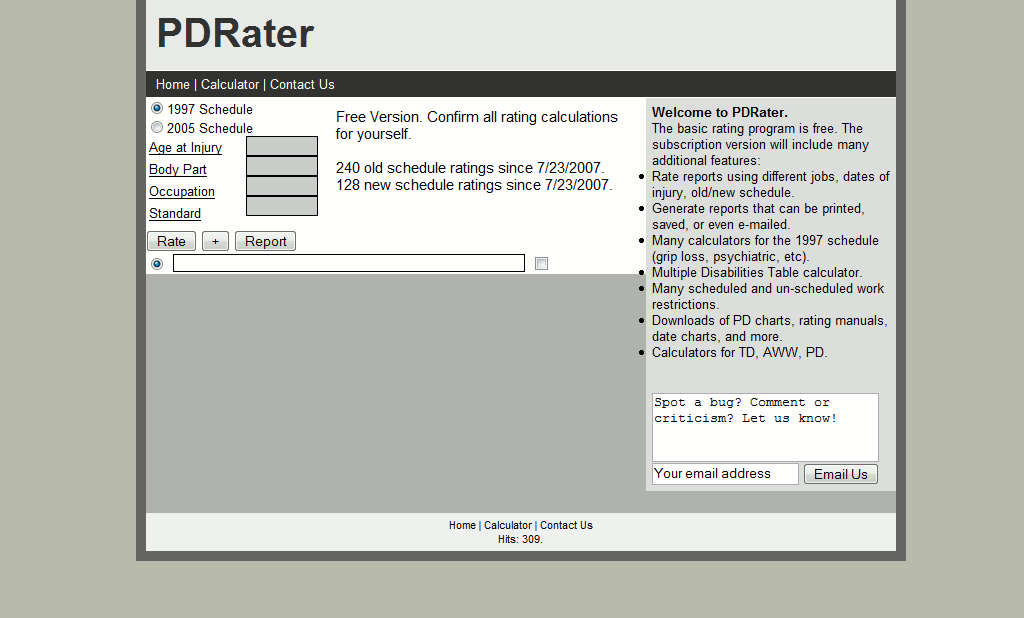
This first version of PDRater.com only calculated old and new schedule ratings and generated reports. Pretty ugly, I know. At this point I was just trying to put together something that would work.
Circa September 17, 2007
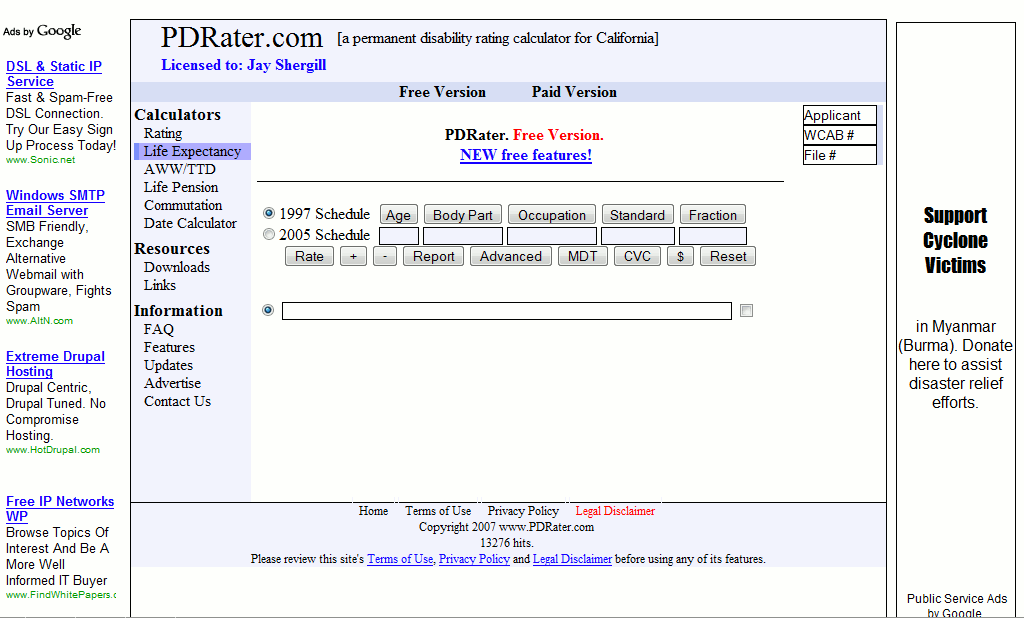
I updated the entire website on September 17, 2007. I’m sure other important things happened on this date too.
This version of the website offered MDT (multiple disabilities table) calculators, CVC (combined value chart) calculators, lists of work restrictions, and a life expectancy calculator.
This was the first time that I offered a subscription version with additional features.
This is also the first version that had any kind of advertising. I started off with the ubiquitious Google Adsense you see everywhere. Then I put up ads from an independent certified impairment rating specialist SnapRater.com and a court reporter Janet Lombardi & Associates.
PDRater.com circa January 1, 2008
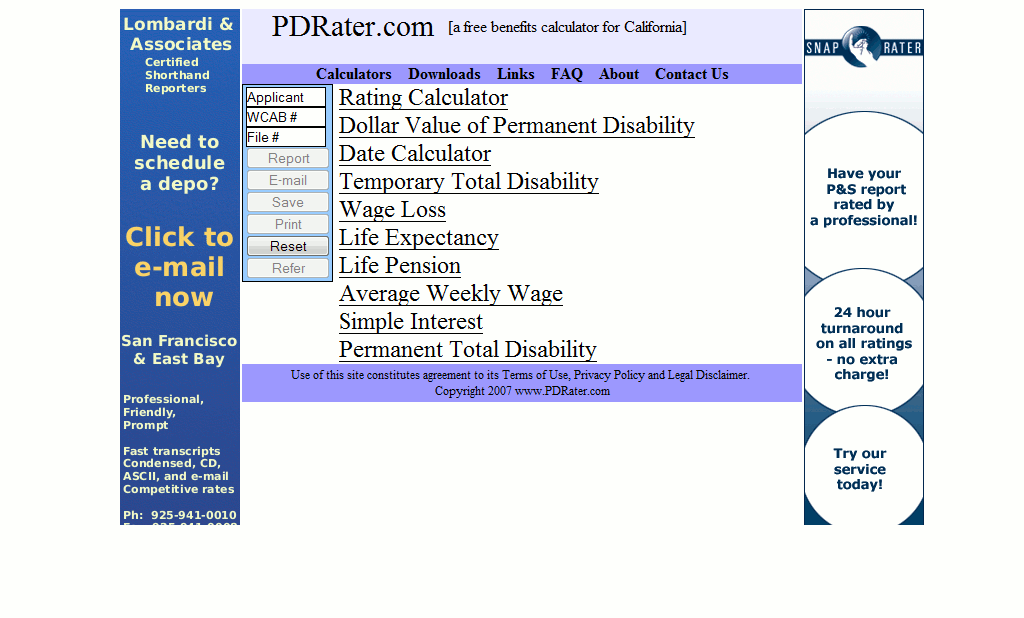
I spent WAY too much time developing the version of this site launched on January 1, 2008.
This version included a date calculator, temporary disability rate calculator, wage loss / total partial disability calculator, life expectancy calculator, life pension calculator, average weekly wage calculator, simple interest calculator, and permanent total disability calculator.
My goal was to offer more California workers’ compensation calculators than anyone else anywhere on the internet – and do it for free. I’m fairly certain that there is no other single source that has more calculators than you’ll find here.
PDRater.com circa July 6, 2008
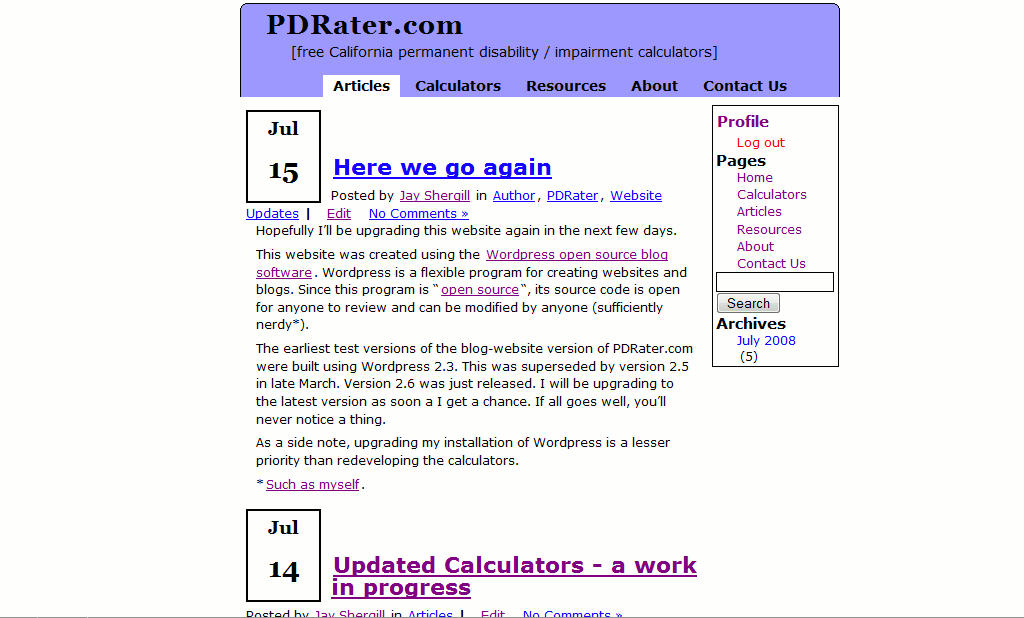
The version of the website you’re now viewing was launched on July 6, 2008. I had been fiddling with WordPress as a website/blog platform for several months before this but didn’t switch over the main site until July 6.
Using WordPress as a website platform for these calculators has allowed me to focus on providing better content (links, downloads, self-indulgent blog posts) and on the calculators themselves.
When I launched this latest version, I took out all of the advertising so that I could focus on making the website look better.